

Stay in the loop.
- 🍕🎬 Neighborhood Movie Night! 🌟
- Halloween trick-or-treat around the neighborhood
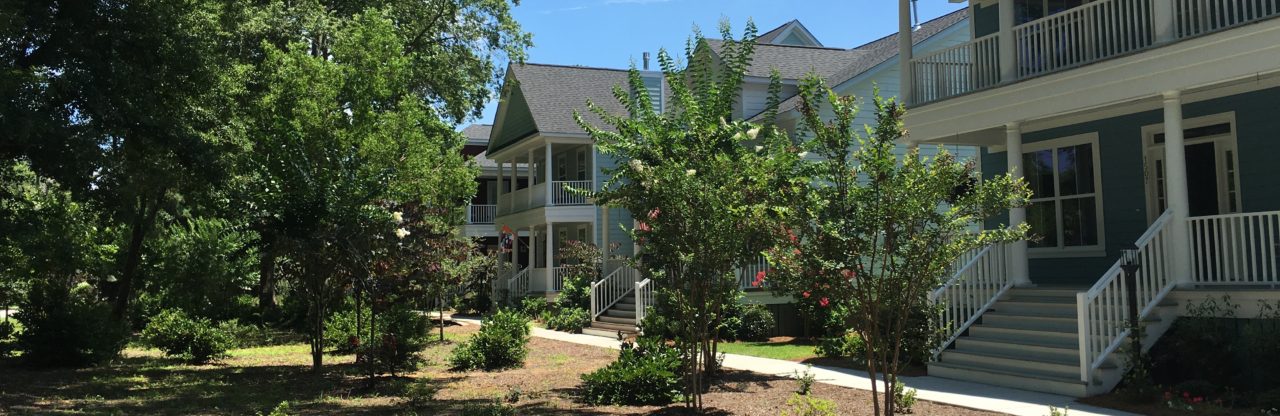
OUR NEIGHBORHOOD. OUR COMMUNITY.
Welcome to your Riverland Park community hub.
Find what you needCovenants, bylaws & community guidelines
Prepare an approval request
Questions, concerns & ideas
THE NEIGHBORHOOD REFERENCE SHELF
Community documents, without the searching.
Keep these handy before starting a project.
BEFORE YOU BREAK GROUND
For an exterior property change, review the governing documents and contact the board before work begins.
Prepare an approval requestRead Article V and the board’s project guidance.
Email your plans and required documents to the board. Attach drawings and photos in your email.
The board reviews the proposal and replies by email. HOA approval does not replace required permits.
GOOD TO KNOW
BEING A GOOD NEIGHBOR
Parking, pets and shared spaces: a few simple ways to make life here better for everyone.
Have a neighborhood concern? Contact the boardAROUND THE NEIGHBORHOOD
Send the board a neighborhood event, helpful resource, or idea for a community get-together.
Prepare a bulletin submissionAsk the board to add your email to the resident distribution list.
Request email updatesYOUR BOARD. ONE INBOX.
Ask a question, share a concern, or prepare a property approval request.
riverlandparkhoa@gmail.com2025–2026 Riverland Park HOA board